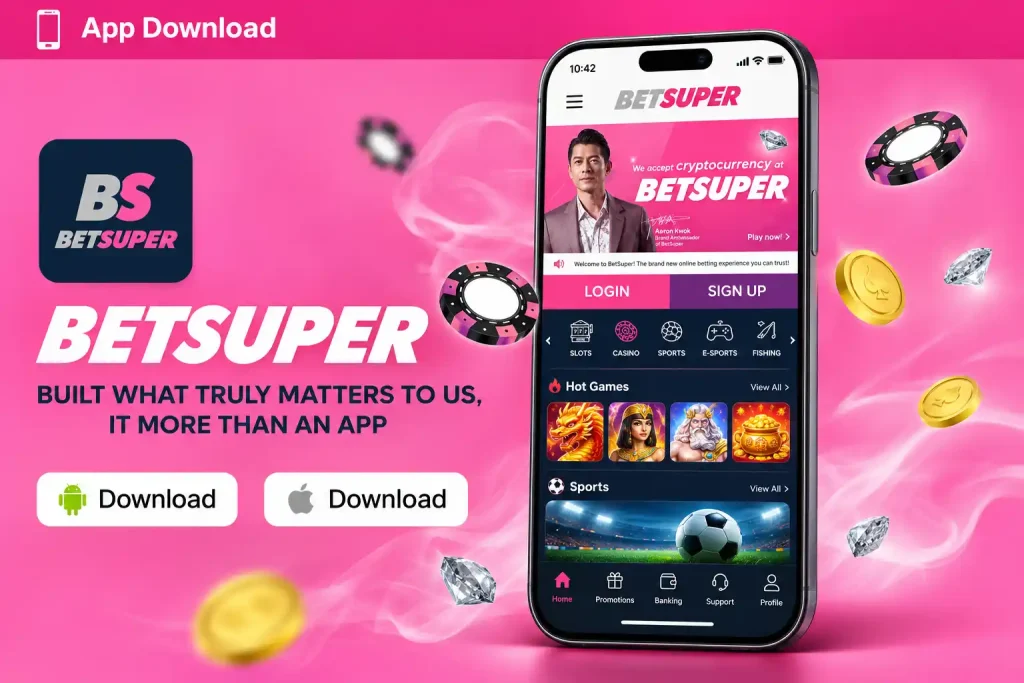
BetSuper App Download

BetSuper Casino Malaysia offers mobile applications for Android and iOS, allowing members to access their accounts, casino games, sports betting and payment functions from smartphones. Both versions are available through the official website, which has a dedicated application download page. The installation process depends on the operating system. Android users download the BetSuper APK, while the iOS version uses a developer profile. Registered members can sign in with their existing username and password. A mobile browser is also available as an alternative for players who prefer not to install an application.
BetSuper Malaysia provides three ways to access the platform from a smartphone: the Android application, the iOS application and the mobile website. All three use the same member account and account currency.
|
Feature |
Android |
iOS |
| Application availability | Yes | Yes |
| Download source | Official website | Official website |
| Installation method | APK file | Developer profile |
| Account currency | MYR (RM) | MYR (RM) |
| Existing account access | Yes | Yes |
| Browser access | Yes | Yes |
The BetSuper app download page provides separate options for Android and Apple devices. Unlike the installed application, the mobile website opens directly through a browser and does not require additional files. Members can switch between desktop and mobile access without transferring their balances or creating another account.
The BetSuper APK is available through the platform’s application page. The download and installation process consists of several steps:
Depending on the Android version and device settings, the operating system may display a message about installing an application from outside Google Play. Installation should proceed only if the file and its developer can be verified. Once the application is installed, its icon becomes available on the device alongside other installed applications.
APK installation requires an Android device with sufficient available storage and a compatible operating system. The installation file also needs to be downloaded completely before it can be opened. Device compatibility can vary between application versions. If the BetSuper APK does not open or the device reports a compatibility issue, members can use the mobile website and contact customer support for technical information.
The iOS version uses a developer profile rather than an APK file. It is distributed through the same application page as the Android version, but the installation process differs.
The installation instructions provided by BetSuper Casino involve downloading a profile and managing it through the iPhone settings. The published procedure consists of the following stages:
Only profiles from independently verified developers should be trusted. If the developer cannot be verified or iOS blocks the profile, the mobile browser remains an alternative.
A developer profile is part of an application distribution method used outside the standard App Store installation process. The profile allows iOS to identify the organisation associated with the application. Its presence does not automatically establish that an application has been reviewed or approved through the App Store. The names and locations of profile management settings can differ depending on the installed iOS version.
The BetSuper login process on mobile devices uses the same username and password as the desktop website. Members who already have an account do not need to complete registration again. Their gaming balances, membership tier, transaction history and personal information remain associated with the existing account. New users need to complete the two-stage registration process. The first stage requires a username, password and password confirmation. The second collects the full name, email address, account currency and mobile phone number. After completing the BetSuper login, members can access their personal account and its available functions. Live Chat and Agents provide assistance with forgotten credentials, verification enquiries and account access problems.
The mobile version of BetSuper Casino Malaysia brings together the main gaming categories and account management functions. Members can access different services without creating separate accounts for each provider. The main mobile features include:
The BetSuper app also provides access to the platform’s separate wallet system. The Main Wallet holds the primary account balance, while Provider Wallets contain funds allocated to individual gaming providers.
The Rebate Wallet receives eligible Instant Rebate credits. These balances remain linked to the member account when switching between mobile and desktop devices. The mobile format allows members to view their financial information and manage account activity without using a computer.
Download interruptions, insufficient device storage and compatibility problems are among the possible reasons why a mobile application may fail to install. The appropriate solution depends on the error displayed by the device.
|
Issue |
Possible Solution |
| Download interrupted | Check the internet connection and restart the download |
| APK file not opening | Check whether the file has downloaded completely |
| Insufficient storage | Free up available space on the device |
| iOS profile error | Review the profile details and developer information |
| App not loading | Close and reopen the application |
| Login error | Check the registered username and password |
| Outdated application | Check the official website for version information |
| Repeated installation errors | Contact customer support |
Application updates may include compatibility improvements, interface changes and technical fixes. Members can consult the BetSuper app download page or customer support for information about the available version. If installation or update problems persist, the mobile website provides an alternative way to access the platform without installing additional files.
BetSuper Malaysia uses account verification for selected services, financial operations and promotions. Members can access their profile information and contact customer support from a mobile device. A few basic practices help protect mobile accounts:
Members experiencing unusual account activity or repeated BetSuper login errors can contact Live Chat or an Agent. When reporting a technical issue, information about the device model, operating system and displayed error message can help customer support identify the problem.
Members of BetSuper Casino Malaysia can view promotional offers through their mobile accounts. The platform features welcome bonuses, daily deposit promotions, cryptocurrency offers, birthday bonuses and Instant Rebate.
Promotional eligibility, wagering requirements and available gaming categories are determined by the conditions of each offer rather than the device used to access the account. The membership programme also includes six VIP tiers with different rebate rates and additional benefits. Full details of the available offers, bonus amounts and wagering requirements are provided on the BetSuper Bonuses and Promotions page.